
Move ideas around like objects, not rows.
Notes live on a board. Drag them, resize them, bring them forward, rename them, tint them, or delete and undo without breaking your flow.
Note Canvas is a native macOS workspace for people who think in fragments: floating notes, sticky reminders, markdown snippets, images, checklists, bookmarks, drawings, and separate workspaces that stay messy in a useful way.
Drag, stack, resize, and color-code notes instead of sorting everything into rigid lists.
Built as a desktop app with keyboard shortcuts, local persistence, and a custom login callback.
Keep rough notes, checklist cards, bookmark previews, drawing notes, and image references on the same canvas.
Work locally by default, then sign in with Google when you want your workspace state backed up.


The app is not trying to be a team wiki or another tab-heavy document tool. It is for personal boards, scratch space, visual grouping, and quick spatial memory.
Notes live on a board. Drag them, resize them, bring them forward, rename them, tint them, or delete and undo without breaking your flow.
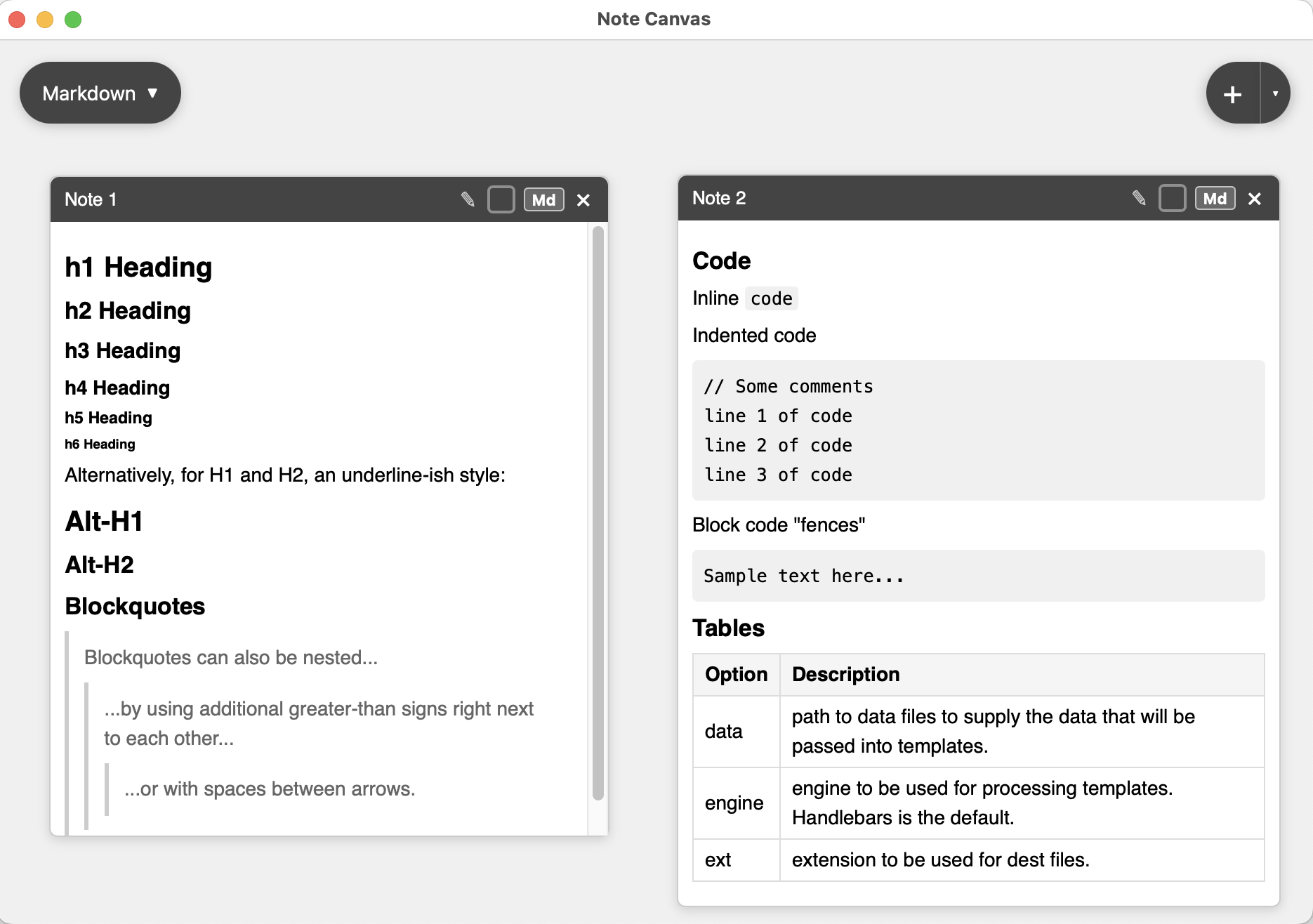
Some thoughts need structure, others need speed. Note Canvas supports both, including markdown preview and image notes on the same canvas.
Workspaces are saved on-device first. Google login and sync stay optional, which keeps the app usable even when you just want a fast private board.
Some thoughts need structure, others need speed. Choose the format that fits the job, then jump into the dedicated page for regular notes, Post-It notes, images, checklists, bookmarks, or drawings.

Use titled, color-coded notes for working text, markdown snippets, plans, and rough drafts that need room.
View regular notes page
Use sticky-note style cards for short prompts, temporary nudges, and anything that should stay hard to ignore.
View Post-It notes page
Keep visual material on the same canvas as your notes instead of scattering it across folders and browser tabs.
View image notes page
Use checklists for shopping, launch prep, packing, or any short sequence where visible progress matters.
View checklist notes page
Bookmark notes pull available page details into the board so saved links stay readable and useful.
View bookmark notes page
Open a full drawing surface for boxes, arrows, flows, and quick visual thinking, then keep the result as a board thumbnail.
View drawing notes pageNew note, new Post-It note, image insert, checklist, bookmark, drawing, workspace switch, and autosave all happen with very little ceremony. The app feels closer to moving paper around a desk than maintaining a database.
The Quarkus backend handles Google authentication, JWT-backed sessions, and workspace sync. The desktop app is the product, and the server exists to support it.
Use it as a personal planning wall, a temporary project surface, or a place to collect notes that are too spatial for a linear editor.